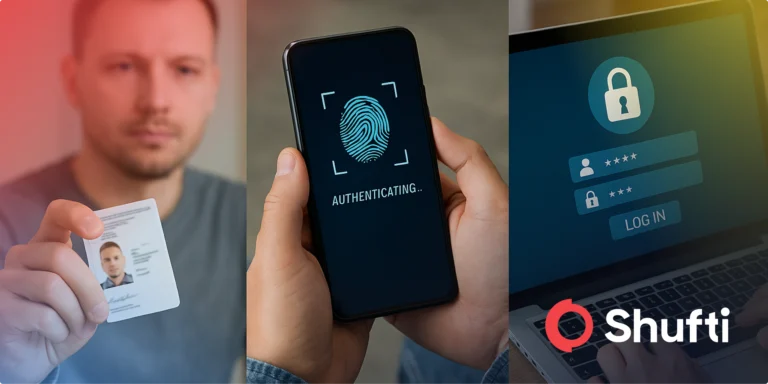
















In today’s digital-first world, users expect their interactions to be fast and convenient while also completely secure. Traditional authentication methods such as passwords, PINs, and security questions can often fall short, leading to friction and exposing users to significant security threats. As a result, businesses have experienced more and more pressure to adopt verification solutions that can protect user data and deliver a frictionless experience.
Biometric identification is quickly becoming the gold standard for digital identity verification in real-time. By analyzing one-of-a-kind biological and behavioral traits, such as facial features, fingerprints, voice patterns, and iris structures, biometric identification offers unmatched precision and permanence. These traits are all extremely difficult to forge which makes them incredibly useful in the fight against identity theft and online fraud.
What makes biometrics a true game changer is their ability to provide real-time, secure, and user-friendly verification at any stage, including account onboarding, transaction approval, and access control. With the help of AI and machine learning, modern biometric systems are able to detect deepfakes, confirm liveness, and adapt to emerging threats. As digital ecosystems become more complex, biometrics are becoming a critical aspect of secure digital identity, enabling businesses to protect their users while delivering the convenience they desire.
What is Biometric Identification?
Biometric identification is the process of verifying a person’s identity based on distinct physiological or behavioral attributes that are unique to them. Because they are difficult to replicate or steal, biometrics offer a dependable foundation for authentication in digital spaces. People can be identified using:
- Fingerprint patterns
- Facial features
- Iris and retina structures
- Voice and speech patterns
- DNA
- Handwriting and signature dynamics
Once a person’s biometric data is captured through a device, typically using a camera, microphone, or sensor, it is converted into a digital biometric template. This template is then stored securely and used for future comparison during identity verification. When someone is required to authenticate, the system checks if the live input matches the stored template, allowing for real-time decisions without compromising user experience.
Nowadays, biometric systems are increasingly powered by AI-driven technologies that improve accuracy and are very resilient to fraud. Features like liveness detection, behavioral pattern recognition, and anti-spoofing mechanisms ensure that biometric data is both fast and secure enough to support critical processes like remote onboarding, KYC compliance, and fraud prevention across high-risk industries.
Why is Biometric Identification Important?
Biometric identification is longer a concept straight out of science-fiction, it’s become a foundational component of modern security and user experience. Biometrics meets the demand for fast, secure, and scalable identity verification by offering a way to do so seamlessly while protecting users from emerging threats. Here’s how:
Quick Onboarding
Biometric verification makes it possible to register users in real time, accelerating access to digital platforms without compromising security. This is particularly helpful in sectors like fintech, online gaming, and telehealth where speed and compliance are equally vital.
Secure Authentication
Unlike password and PINs that can be guessed, reused, lost, or shared, biometric traits are unique to each individual. This makes biometric authentication a far more reliable guard against unauthorized access, while simplifying how users interact with digital security systems.
Identity Theft Protection
Biometrics significantly reduce the risk of stolen identities by tying verification to unique, immutable, non-transferable traits. This helps combat fraud tactics like phishing, account takeovers, and impersonation attempts, all of which are increasingly common in digital transactions.
Mitigating Cybercrime
Advanced biometric systems utilize machine learning to detect anomalies and flag suspicious behavior patterns, which helps prevent crimes like synthetic identity fraud, transaction laundering, and unauthorized account creation before they escalate.
Ensuring KYC Compliance
As remote identity verification becomes a more common regulatory requirement in many industries, biometric systems help businesses meet KYC and AML standards by providing secure, auditable, and real-time screening that eliminates the need for in-person checks.
Types of Biometric Verification
Fingerprint Scanning
Fingerprint recognition has long been a cornerstone of biometric security due to its ease of use and reliability. Modern devices such as smartphones, tablets, and laptops often incorporate embedded sensors that capture and analyze fingerprint patterns in a matter of seconds. Recent developments in ultrasonic fingerprint technology have enhanced both speed and precision, allowing sensors to analyze skin layers deeper and perform better in suboptimal conditions like wet or dirty fingers.
Facial Recognition
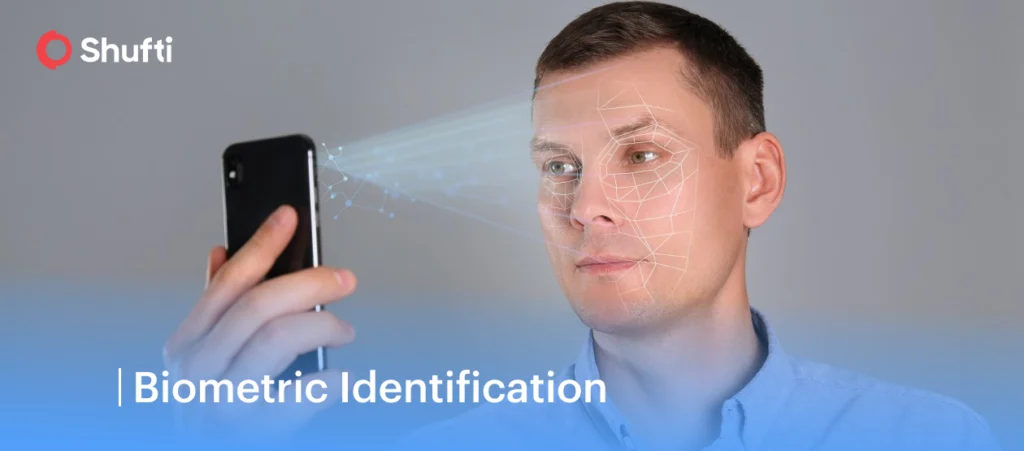
Facial recognition systems analyze the structure and spatial relationships of a person’s facial features to create a unique facial map. Recently, these systems have incorporated advanced computer vision techniques that make them highly effective at detecting fraudulent sign in attempts, such as those using masks, printed images, and digitally altered videos (also known as deepfakes). Regulatory frameworks such as the EU AI Act have begun to scrutinize facial recognition technology, particularly in surveillance contexts, leading to a growing emphasis on ethical deployment and government transparency.
Voice Recognition
Vocal biometrics assess vocal traits, like cadence, pitch, accent, and intonation, to differentiate individuals. New deep learning models even enable accuracy in loud environments or low quality channels. Solutions now also support continuous authentication, where identity is verified throughout a conversation (not just at the start). Voice recognition is gaining popularity in hands-free applications like phone-based customer support and remote authentication for banking and e-commerce.
Iris and Retina Recognition
Both iris and retina scanning rely on detailed imaging of the eye, however, they focus on different features. Iris recognition captures the complex pattern in the colored part of the eye while retina scans map the arrangement of blood vessels at the back of the eye. These identifiers are almost impossible to forge, making them suitable for use in high-security environments. Near-infrared imaging developments have improved usability and comfort, allowing for faster and more accurate scanning.
DNA Matching
While it is used primarily in law enforcement and forensic science, DNA is gaining attention in medical identity verification and genetic-based health services. In order to address data privacy concerns, researchers are developing privacy-preserving protocols that allow DNA comparison without exposing the raw genetic code.
Handwriting and Signature Recognition
Modern signature recognition systems evaluate the way a person signs their name, including stroke order, pressure, speed, and angle, as opposed to a simple still image. Using touch-sensitive surfaces and stylus input, these biometric traits are particularly relevant in financial and legal services. Recent enhancements in dynamic handwriting analysis make it extremely difficult to spoof or replicate a genuine signature, providing additional assurance in document-heavy workflows.
Recent Developments and Trends
Biometric-as-a-Service (BaaS)
Cloud-based biometric services have gained significant traction as digital platforms scale globally and move away from in-house biometric infrastructure. These Biometric-as-a-service (BaaS) models allow for flexible deployment, centralized management, and multi-modal verification options, such as facial recognition, fingerprint scanning, and voice authentication. BaaS providers typically offer pre-built APIs, allowing businesses to integrate biometric checks directly into their platforms as well as built-in compliance features, so organizations can meet regional regulations without added complexity.
Decentralized Identity (DID) and Biometrics
With the advancement of decentralized identity (DID) frameworks, biometrics now play a vital role in user-controlled authentication systems. With this model, individuals are able to store their credentials in digital wallets and authenticate themselves through biometric inputs, rather than rely on central databases. This shift in self-sovereign identity (SSI) architecture lets users share their identity information selectively across services, significantly improving data privacy. It also reduces dependence on third-party systems which can frequently be the point of failure in conventional systems.
Combating Deepfakes and Digital Spoofing
New biometric systems are equipped with multi-layered fraud detection capabilities that are able to assess micro-movements, light reflection, blink rate, and other subtle cues to verify liveness and authenticity. This enables these systems to differentiate genuine users from digital forgeries, especially in high risk scenarios like onboarding or secure access approvals.
Tightening Global Regulatory Focus
From GDPR to India’s DPDP Act and the EU AI Act, government regulators around the world are increasingly focused on the ethical uses of biometric data. New legislation places greater emphasis on transparency, consent, and data minimization so businesses using these systems must demonstrate both technical efficiency as well as privacy-by-design compliance. The regulatory landscape continues to evolve, compelling organizations to adopt governance frameworks that ensure lawful data processing and minimize risks of misuse.
Conclusion
Biometric identification has moved beyond niche applications and is now a central component of modern digital infrastructure. By enabling fast, accurate, and user-specific authentication, it addresses many of the shortcomings of traditional security methods while meeting the growing demand for convenience and safety. Whether it’s onboarding new users, securing high-volume transactions, or meeting regulatory requirements, biometrics offer a streamlined approach to identity verification that balances both usability and protection.
As technology continues to advance, the scope and sophistication of biometric systems will only increase. From decentralized identity models to AI-driven fraud detection, biometric verification is evolving to be more intelligent, secure, and privacy-conscious. For businesses operating in today;s fast-moving digital economy, adopting biometrics is a necessity. Organizations that prioritize secure, ethical, and future-ready identity solutions will be best positioned to earn trust, stay compliant, and thrive in a landscape where digital identity is everything.