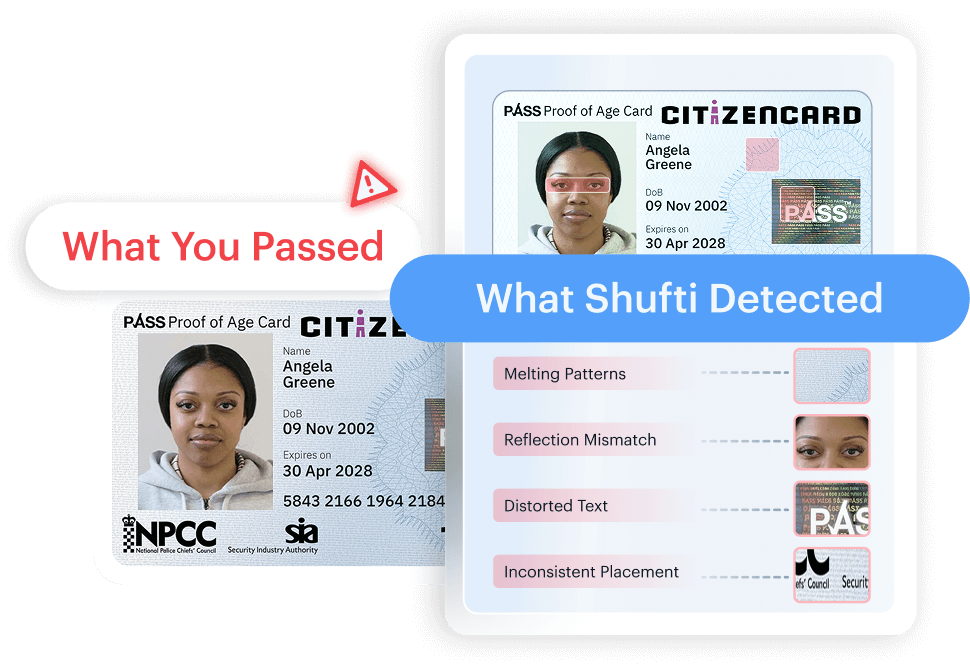
Blind Spot Audit
Spot Fraud in your approved Customers
 Runs On Your Cloud
 No Data Sharing
 No Contract Required
 Explore Now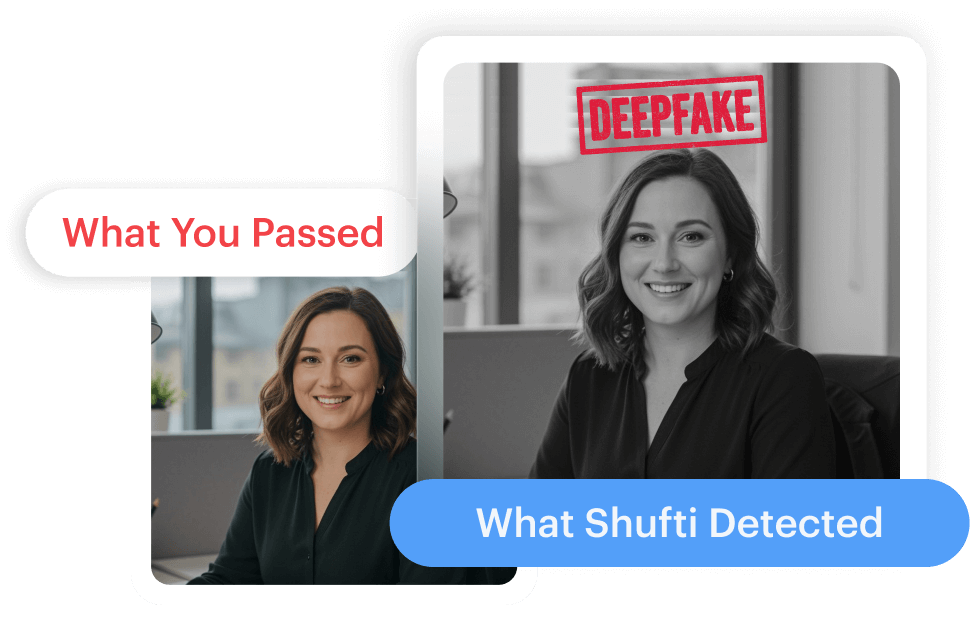
Deepfake Detection
Check where deepfake IDs slipped
through your stack.
Runs On Your Cloud
No Data Sharing
No Contract Required
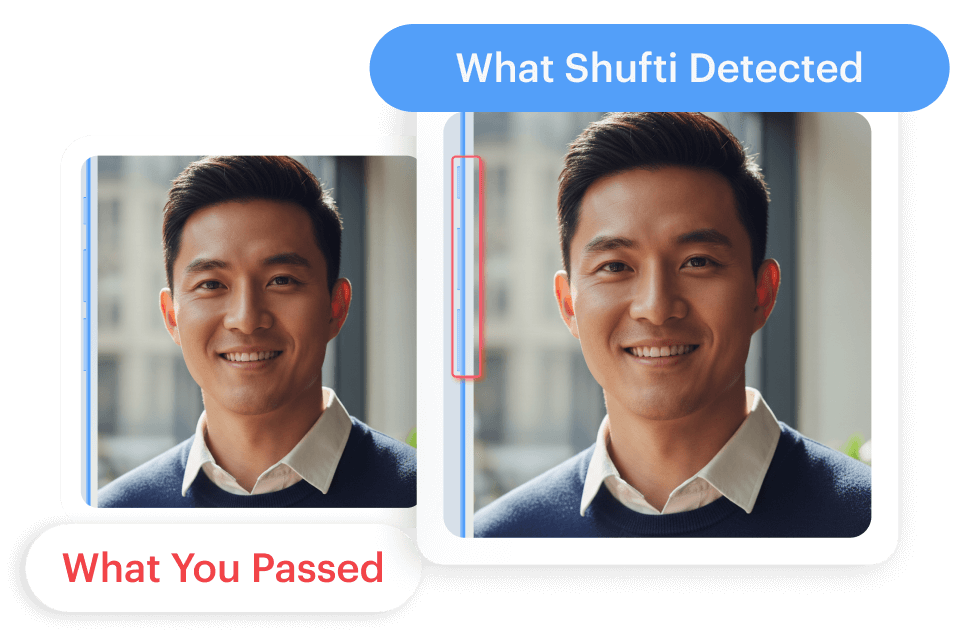
Liveness Detection
Find the replay gaps in your passed
liveness checks.
Runs On Your Cloud
No Data Sharing
No Contract Required
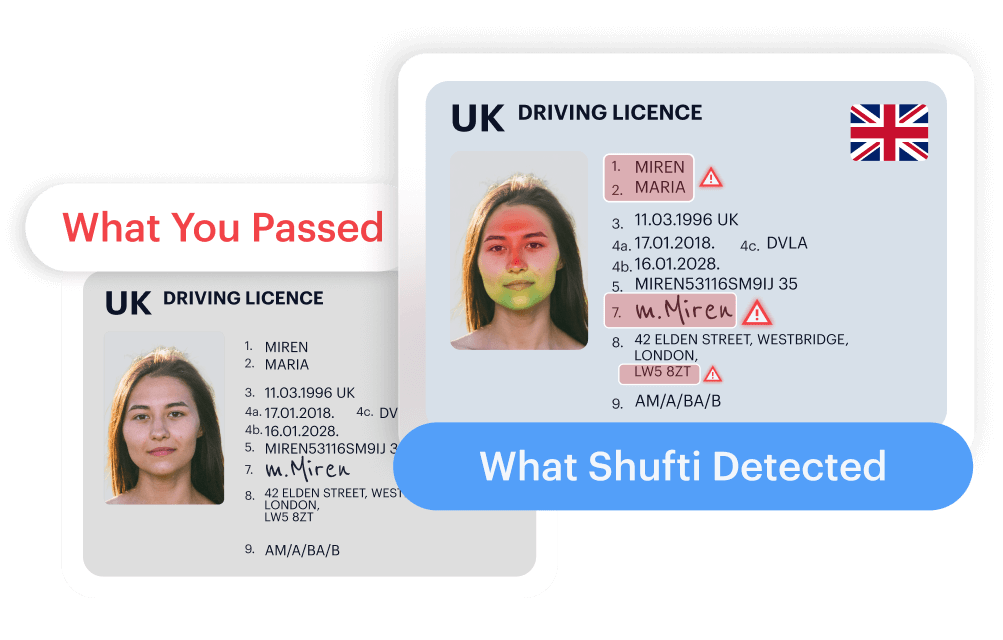
Document Deepfake Detection
Spot synthetic documents hiding in
verified users.
Runs On Your Cloud
No Data Sharing
No Contract Required
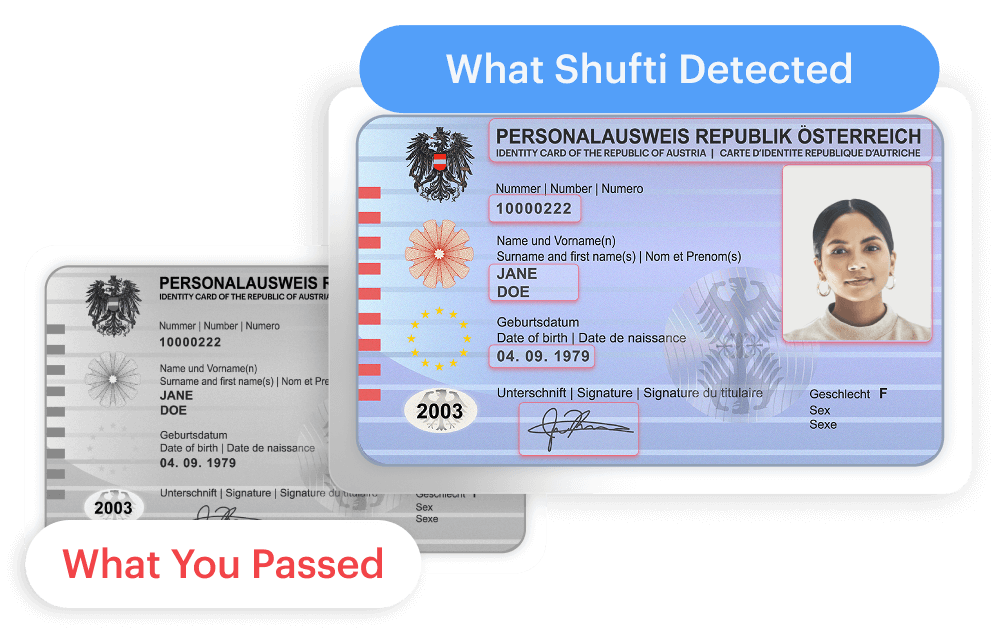
Document Originality Detection
Stop fake documents before they pass.
Runs On Your Cloud
No Data Sharing
No Contract Required
Introducing Blind Spot Audit. Spot AI-generated forgeries with advanced document analysis.
 Run Now on AWS

Introducing Deepfake Detection. Detect deepfakes with precision your stack has missed.
Run Now on AWS
Introducing Liveness Detection. Detect spoofs with technology built for sophisticated fraud.
Run Now on AWS
Introducing Document Deepfake Detection. Spot AI-generated forgeries with advanced document analysis.
Run Now on AWS
Introducing Document Deepfake Detection
Spot AI-generated forgeries with advanced document analysis.
Run Now
Introducing Document Originality Detection. Verify document authenticity before your next audit.
Run Now on AWS
Introducing Document Originality Detection
Verify document authenticity before your next audit.
Run Now




User Onboarding
 Face Verification
 Address Verification
 Document Verification
 Age Verification
 VideoIdent
 Fast ID
 eIDV
eIDV
 NFC Verification
 Consent Verification
Business Onboarding
 Business Verification
 Due Diligence
 Investor Verification
 E-Signature
Authentication
 Behavioural Biometrics
 Device Fingerprinting
 MFA
MFA
 AML Screening
 Business AML Screening
 User Risk Assessment
 Transaction Screening
 Adverse Media Screening
 Identity Verification
 KYC
KYC
 KYB
KYB
 KYI
KYI
 Bonus Abuse
 Fraud Prevention
 Deepfakes
Industries
 Banking
 Crypto
 Fintech
 Forex
Forex
 Gaming
 Gig Economy
 Marketplace
 Social Networks
Role
 Product Managers
 Compliance Officers
 Fraud Analyst
 Global Trust Platform
 Journey Builder
 Vendor Comparison
Knowledge Hub
 Content library
 Blogs
Blogs
 News
News
 Reports
 Insights
 Knowledgebase
 ROI calculator
Blind Spot Audit Suite
 Blind Spot Audit
 Deepfake Detection
 Liveness Detection
 Document Originality
 Document Deepfake
 Events & Webinar
 Podcast Studio
 Spotlight Studio
Developers
 API Documentation
 Mobile SDKs
 Service Status
 Help Center
 Contact Us
 Technical Support
 Compliance
 Supported Document
 About
About
 Career
 Press Release
 Certifications
 Partnership
 Awards
 Response Events
Dashboard
Shufti offers its clients an all-encompassing dashboard that provides comprehensive information and insights, allowing them to monitor and assess their data in a single, convenient location. With the help of this dashboard, customers can easily get a comprehensive overview of their information, including detailed insights and analytics, at a single glance with the help of date range filter. The dashboard is designed to be user-friendly and highly intuitive, making it easy for customers to access the information they need quickly and efficiently.
Verification Status:
ShuftiPro dashboard shows the total number of verification in the form of a horizontal scroll using button which shows the verifications in following Statuses:
- Total Verifications
- Verified
- Pending
- Invalid
- Timeout
- Not verified
- In Process
- Found
- Not Found
To view the details of a particular verification, simply click on the corresponding Verification Card.
Most Used Services
This section displays the usage of Face, Document, Address and other services by the client. It includes the status of each service, such as verified, declined, and total, as well as the count for each stat. All information is displayed in separate cells for easy readability on the dashboard.
Payment Plan Details
This section give the complete overview of your payment plan on your account, including plan name (e.g. Monthly Subscription, Pay as you go), included services, remaining requests, expiry date, and account balance. The information is presented in a clear and organized format and is subject to change based on your set plan.
Verification Traffic by Location
The sections the global perspective on your verification traffic with ShuftiPro’s KYC platform. This section provides a world map highlighting the countries where end-users are performing verifications on your account. Stay informed on your global reach and target audience.”
Verfication Traffic by Date
Stay up to date on the daily performance of your verifications with this section. Get a complete overview of all verifications that were verified or declined on a specific day. Customize your view by selecting your preferred chart style, such as bar or line chart.