AMLR Solutions
  AMLR Consultation
 EUDI Wallet
 Onboarding
 Ongoing Monitoring
 FRAML
FRAML KYC
KYC KYB
KYB KYI
KYI Age Assurance
 Workforce IAM
 Candidate Verification
 Account Takeover
 Bonus/ Promotion Abuse
 Chargeback Fraud
 Deepfake
 Document Fraud
 Fraud Networks
 Impersonation Fraud
 Money Mule Activity
 Multi-Accounting
 Party Fraud
 Regulatory & Compliance Risks
 Synthetic Identity Fraud
 Adult Content
 Banking
 Crypto
 Fintech
 Forex
Forex Compliance
 Fraud prevention
 Trust & safety
 Global expansion
 Compliance Officers
 Developers
 Fraud Analysts
 Product Managers
 Journey Builder
  Global Trust Platform
 Customer Profiles
 Vendor Comparison
 IDV Case Management
 AML Case Management
 Regulatory Reporting
 Agentic Rule Builder
  AI Compliance Co-Pilot
  Fraud Analytics
 Fraud Hub
  OCR
OCR Shufti AI
 Bank Account Verification
  Biometric Duplication
 Database Checks
 Document Intelligence
 Government ID
 Mobile Driver's License
 NFC
NFC Selfie Liveness
 Brand Personalisation
 Deployment Options
 Identity Methods
 IDV Modes
 Multi-tenancy
 On-Premise IDV
 Secure Capture
 Shufti MCP










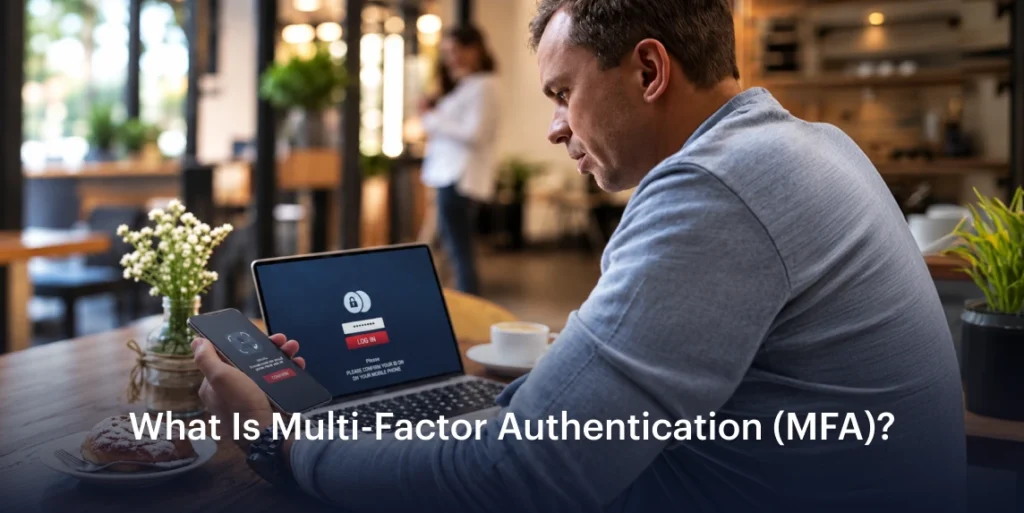

As digital services have become increasingly dependent on online accounts, protecting access requires more than a username and password. Stolen credentials can expose customer accounts and sensitive information, making the additional layers of authentication a crucial part of modern security. Multi-Factor Authentication (MFA) addresses this by adding additional verification before access is granted.
What is MFA?
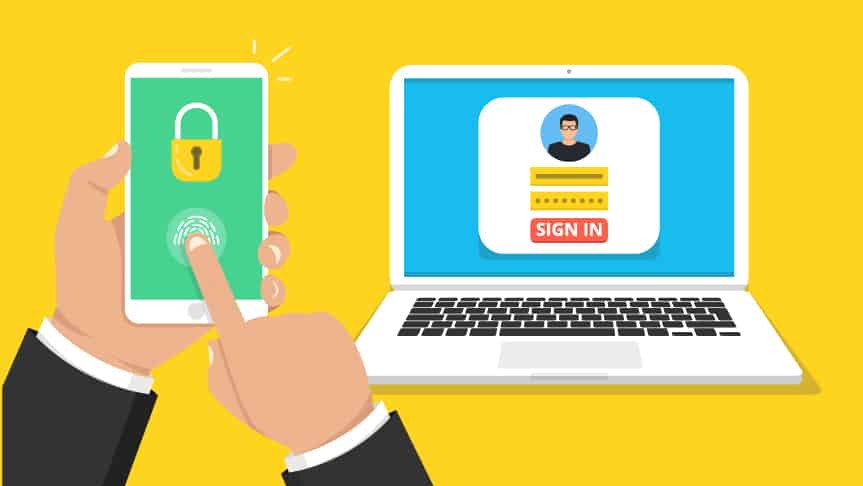
Multi-factor authentication (MFA) is a security process that requires users to provide two or more different authentication factors before accessing an account, application, or system. This allows users to provide additional steps to confirm that the person that is trying to get access is the legitimate owner, instead of relying on a single password.
Passwords alone can be easily compromised through phishing, data breaches, or credential theft. MFA reduces the risk of unauthorized access by demanding proof from multiple categories, making it more difficult for attackers to gain access even if one factor, like a password, is exposed.
How does MFA work?
When MFA is enabled, the authentication process follows certain steps:
- User enters primary credentials (First Factor): The user enters their username and password or another initial identifier that is required.
- System requests an additional verification factor (Second Factor): The user needs to enter another form of proof that can be a one-time passcode (OTP), a security key, an already registered device, or it can be biometric verification.
- Authentication factors are validated: The system verifies whether the additional factor matches the registered authentication method.
- Access is granted or denied: If all the factors are successfully verified, the user can access the account. For instance, a banking customer may log in by using a password and then confirm their identity through a fingerprint scan or an OTP sent to the registered number or email.
How is AI used in MFA?
AI can analyze the authentication signals from devices that are being used, IP address, location, login time, and previous account activity in real time to check the login risk. For instance, a login from a new device, an unfamiliar location, or at an unusual time might also trigger extra verification, while familiar login patterns can allow one to proceed without any friction. It can also help in liveness detection and deepfake checks on facial and voice biometrics, so fraudulent attempts do not pass.
Types of Authentication Factors used in MFA:
MFA factors are divided into different categories.
| Authentication Factor | What It Does | Examples |
| Something You Know (Knowledge Factor) | Verifies information that only the user should know before allowing access | Passwords, PINs, Security Questions |
| Something You Have (Possession Factor) | Confirms that the user has access to a trusted device or authentication credential | Authenticator apps, one-time passwords (OTPs), hardware security keys, smart cards |
| Something You Are (Inherence Factor) | Verifies the user’s identity through biometric characteristics | Fingerprint recognition, facial recognition, iris scanning, voice recognition |
MFA vs Two-Factor Authentication (2FA):
MFA and 2 factor authentication are closely related, but they are not identical.
Two-Factor Authentication (2FA): It requires exactly two authentication factors.
Multi-Factor Authentication (MFA): It is a broader term that covers authentication using two or more than two factors.
For instance:
| Authentication Method | Classification |
| Password + OTP | 2FA and MFA |
| Password + OTP + Fingerprint | MFA |
| Password + Security key | 2FA and MFA |
In short, every 2FA setup counts as MFA, since two factors satisfy the “two or more” requirement. But MFA can’t always be called 2FA, because once a process involves more than two factors, it no longer fits the “exactly two” definition of 2FA. In other words, 2FA is a subset of MFA.
Adaptive MFA:
Adaptive MFA, also known as risk-based authentication, adjusts the verification requirements based on the contextual basis that is required for a login attempt. Instead of requiring the same authentication step every time, Adaptive MFA analyses signals such as the user’s location, device information, login behaviour, and access patterns to determine the level of verification needed. For instance, a user accessing an account from the usual location may only require a password, while an unusual login attempt from a new device, unfamiliar location, or suspicious network may trigger additional verification, such as OTP or a biometric check. This approach helps organizations strengthen security while reducing the unnecessary authentication steps for legitimate users.
MFA Examples:
- Authenticator app codes: time-based one-time passwords that change every 30 seconds or so.
- SMS or email codes: a one-time code sent to a phone or inbox.
- Push notifications: approve or deny a login on a trusted device.
- Hardware security keys: a physical device that is plugged in or tapped.
- Passkeys: cryptographic credentials stored on a device and unlocked with a biometric or PIN.
- Biometrics: fingerprint or facial recognition.
- Everyday example: withdrawing cash at an ATM with a card (possession) and PIN (knowledge).
Benefits of MFA:
Stronger Account Security:
MFA provides an additional security layer when passwords are exposed. The hacker may obtain the user’s credentials but still won’t be able to get access to the account without the additional verification factor. Businesses use MFA to protect financial data, confidential systems, or personal information.
Helps in Fraud Prevention:
MFA prevents account-related fraud because a stolen password alone can no longer grant access. It blocks account takeover and credential stuffing, since attackers who obtain or reuse the credentials still fail at the second verification step. The step-up checks on high-risk actions such as payments or password changes stop the fraudsters from moving money or altering account details unnoticed. The result is fewer fraud losses and the building of great customer trust.
Supports the Compliance Requirements:
Most of the security frameworks and regulations encourage authentication controls to protect customer information. NIST Security Guidance has defined the requirements for using MFA across different levels of access protection, including privileged and non-privileged accounts. In financial services, the EU’s Payment Services Directive 2 (PSD2) has introduced the Strong Customer Authentication (SCA) requirements for electronic payments that require authentication based on two independent elements from different categories, such as knowledge, possession, and inherence.
How Shufti supports multi-factor authentication
Shufti combines SMS OTP, email OTP, and one-time codes with step-up to biometric and document re-verification, all in a single journey across 240+ regions. Before any OTP is sent, it checks for SMS pumping risk, classifies the phone line type, and screens the email address’s reputation. Configurable rules then trigger stronger checks at high-risk moments such as enrolment, password resets, and high-value transactions. See how Shufti’s MFA works.