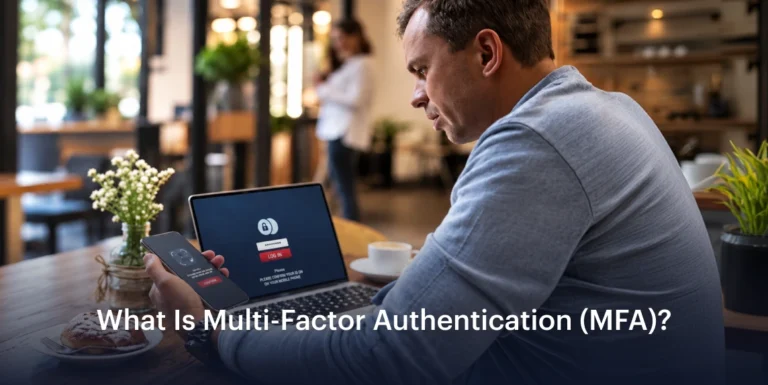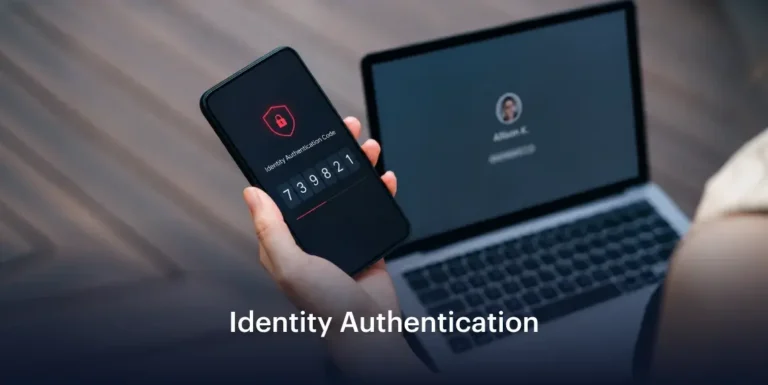














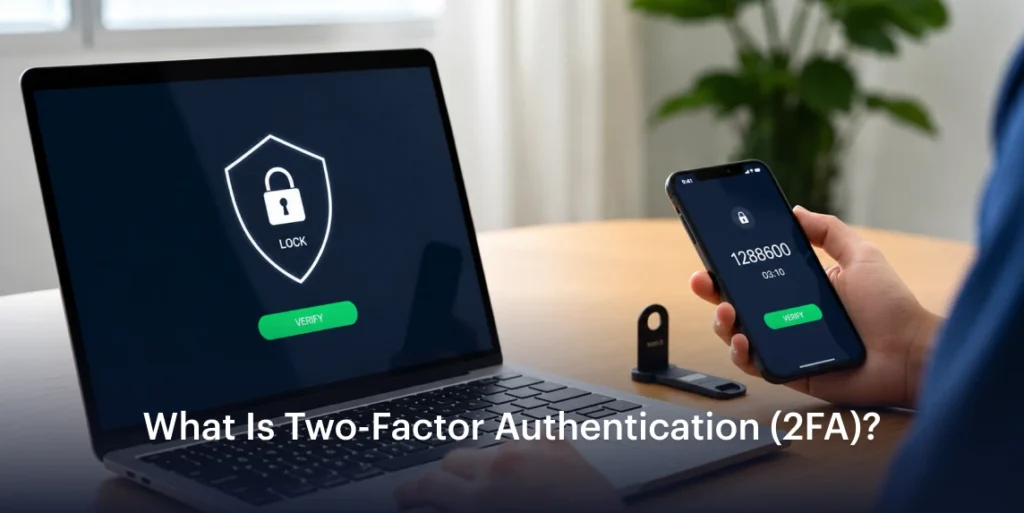

Two-factor authentication is a sign-in method that requires two different types of evidence to confirm access to an account, such as a password plus a one-time code from a registered authenticator app. The password demonstrates knowledge of a secret, while the code shows control of the registered authenticator. If someone steals the password, they still require the second factor to complete the login process.
Factors involved in 2FA:
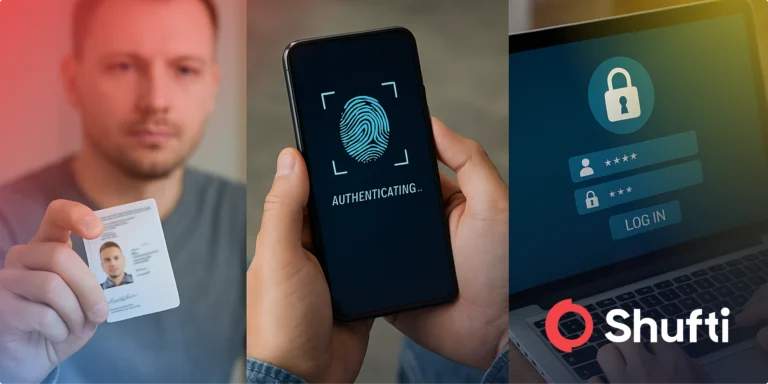
A factor is the category of proof, not a step in the login process. Every Authenticator falls into 3 categories:
- Something You Know (Knowledge), such as passwords and PINs.
- Something You Have (Possession), such as a registered phone, authenticator app, or a hardware security key.
- Something You Are (Inherent), such as fingerprint or facial recognition.
2FA actually combines 2 factors from these categories. A password and PIN requirement is still one factor from the knowledge category; a phishing page can easily capture both.
How Does 2FA Work?
2FA involves a sequence of steps when enabled:
- Enter the username and password, and the service checks the first factor.
- After checking the first factor, the service requests the second factor that can be a one-time passcode (OTP), a push approval on a registered device, or a face scan.
- The user only gets access if both checks are successful.
Is 2FA the same as 2-step verification?
Services often define two-step verification the same as 2-factor authentication, which is often misleading. Two-step verification may involve a password followed by a security question, which falls under the same knowledge factor, meaning that it is not 2FA. 2FA must require a combination of 2 different factors. It is a specific form of multi-factor authentication.
| Login Setup | Steps Involved | Factor Categories | 2FA or not |
| Password, then security question | 2 | Knowledge + knowledge | No |
| Password, then code from an authenticator app | 2 | Knowledge + possession | Yes |
| Password, then code sent by SMS | 2 | Knowledge + possession | Yes (Weaker Protection) |
| Password, then face match | 2 | Knowledge + inherence | Yes |
| Security key unlocked by fingerprint on an already registered device | 1 | Possession + inherence | Yes |
What happens if the 2FA code does not work?
The time-based authenticator codes expire, so choose the current code from the correct account. If the valid code repeatedly fails, check whether the device’s date and time are correctly synchronized. For SMS-based verification, check mobile reception and whether the message has been delayed. Repeatedly requesting a code creates confusion because some services only accept the latest code.
Can one lose access after changing their phone?
Yes, if the second factor remains on the old device and no backup is available. Before changing the phone, follow the service’s instructions to transfer or register authentication on the replacement. If a device is lost or stolen, use an available backup to regain access on the new device, then remove the lost device from the list of trusted/registered devices. Contact the account administrator when workplace recovery requires their help.
2FA fails when the second factor can be intercepted or bypassed:
2FA stops plain password reuse, so the attackers now go for the second factor directly. The common failure points are:
- SIM Swaps, when the attacker moves your number to a new SIM and receives every SMS code.
- Push Fatigue, where an attacker sends repeated approval requests that might wear down the user until they tap approval out of annoyance or confusion.
- Real-time phishing, where a fake login page relays the password and code to the real site within seconds.
- Weak Account Recovery, where an emailed reset link skips the second factor entirely.
Frequently Asked Questions
Is 2-step verification the same as 2FA?
Only when each step uses a different factor category. A password followed by a security question is two steps but one factor, so it does not count as 2FA.
Is SMS-based 2FA secure?
SMS codes are better than a password alone but can be stolen through SIM swaps and phishing. NIST SP 800-63B-4 treats them as a restricted option and asks verifiers to offer a phishing-resistant alternative.
What is the difference between 2FA and MFA?
2FA uses exactly two factors. Multi-factor authentication (MFA) covers any setup with two or more factors, so every 2FA setup is a form of MFA.