










 AMLR Solutions
  AMLR Consultation
 EUDI Wallet
 Onboarding
 Ongoing Monitoring
 FRAML
FRAML KYC
KYC KYB
KYB KYI
KYI Age Assurance
 Workforce IAM
 Candidate Verification
 Account Takeover
 Bonus/ Promotion Abuse
 Chargeback Fraud
 Deepfake
 Document Fraud
 Fraud Networks
 Impersonation Fraud
 Money Mule Activity
 Multi-Accounting
 Party Fraud
 Regulatory & Compliance Risks
 Synthetic Identity Fraud
 Adult Content
 Banking
 Crypto
 Fintech
 Forex
Forex Compliance
 Fraud prevention
 Trust & safety
 Global expansion
 Compliance Officers
 Developers
 Fraud Analysts
 Product Managers
 Journey Builder
  Global Trust Platform
 Customer Profiles
 Vendor Comparison
 IDV Case Management
 AML Case Management
 Regulatory Reporting
 Agentic Rule Builder
  AI Compliance Co-Pilot
  Fraud Analytics
 Fraud Hub
  OCR
OCR Shufti AI
 Bank Account Verification
  Biometric Duplication
 Database Checks
 Document Intelligence
 Government ID
 Mobile Driver's License
 NFC
NFC Selfie Liveness
 Brand Personalisation
 Deployment Options
 Identity Methods
 IDV Modes
 Multi-tenancy
 On-Premise IDV
 Secure Capture
 Shufti MCP


BRAND PERSONALISATION
Verification That Matches Your Brand Experience
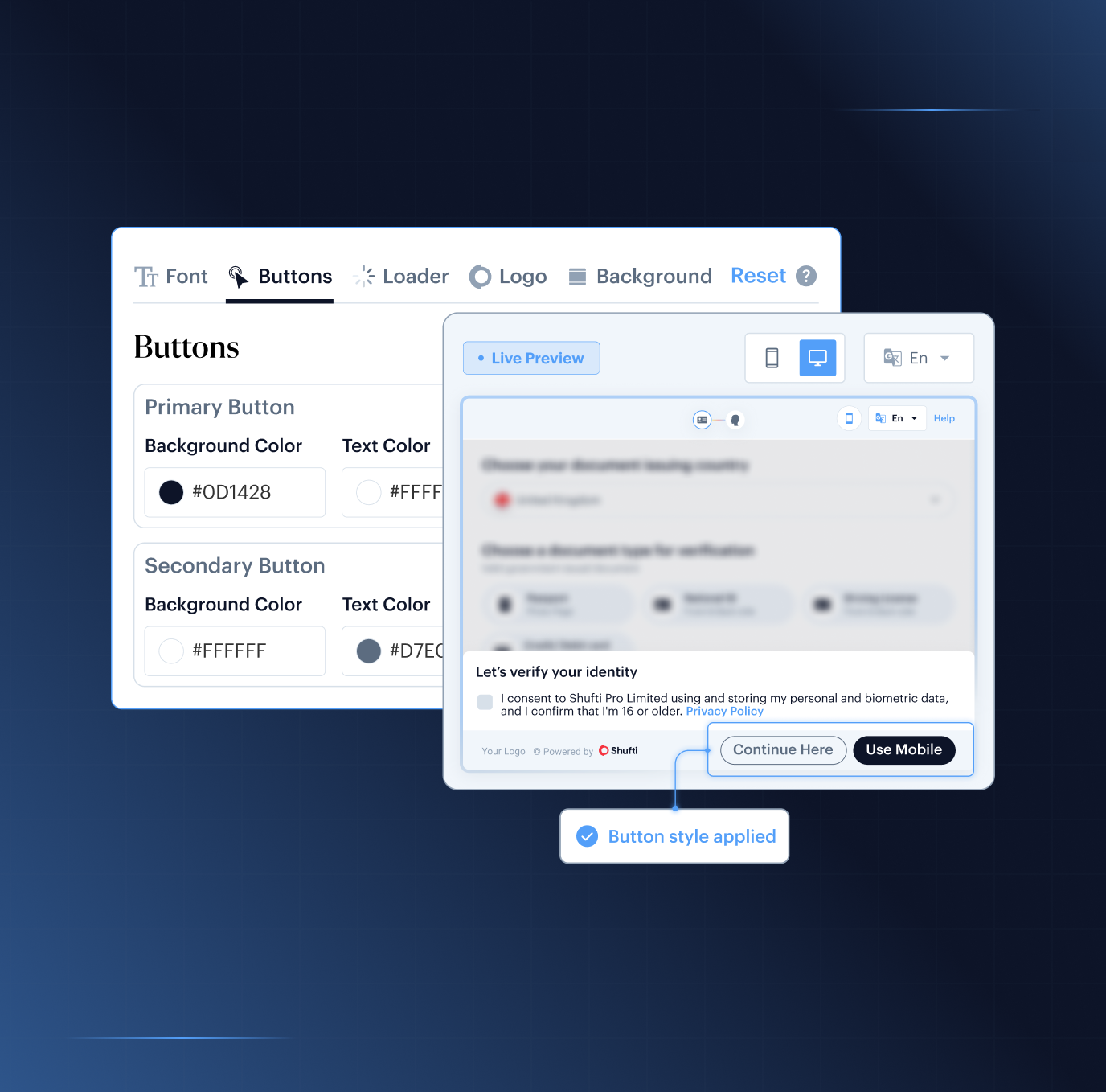
Off-brand verification flows reduce trust and create friction during onboarding. Shufti lets teams control colours, fonts, loaders, layouts, and mobile SDK themes from one back office layer, so every verification screen stays inside your brand palette without engineering dependency.

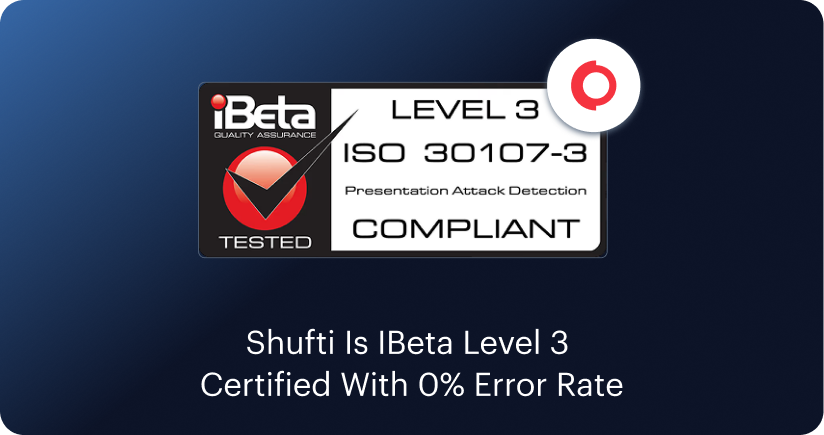
Europe’s First iBeta Level 3 Certified Liveness Provider







Why Brand Consistency Matters During Verification
Verification is often the highest-friction step in onboarding. Visual inconsistency at this stage reduces trust, increases hesitation, and makes the experience feel disconnected from the product.

Consistency
Off-brand verification flows reduce onboarding confidence.

Reliability
Consistent UI improves trust during identity checks.

Continuity
White-label verification keeps users inside the product experience.

Flexibility
No-code theming removes dependency on engineering release cycles.

Alignment
Unified branding across web and mobile preserves experience continuity
Keep Verification Inside Your Brand Experience
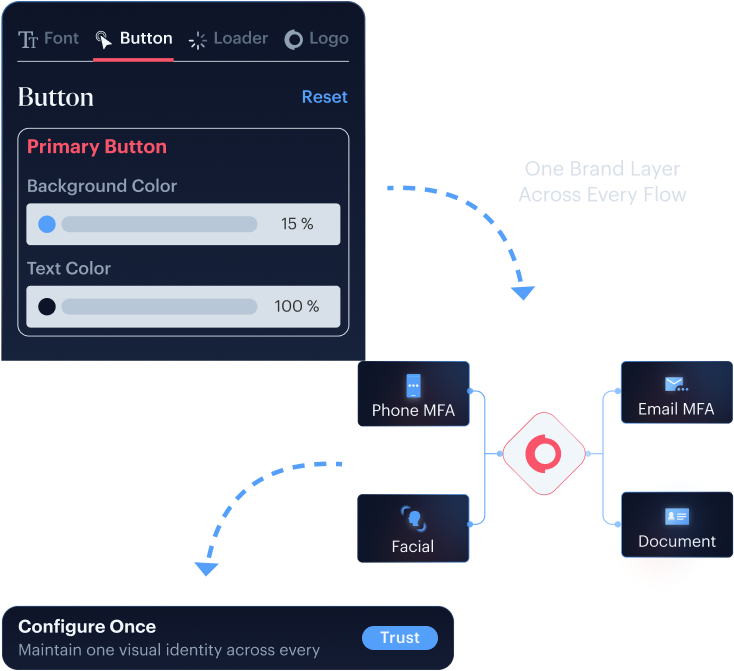
One Brand Layer Across Every Verification Flow
Document, face, address, and combined verification flows inherit the same branding configuration automatically. Teams maintain one visual identity instead of styling every verification module separately.
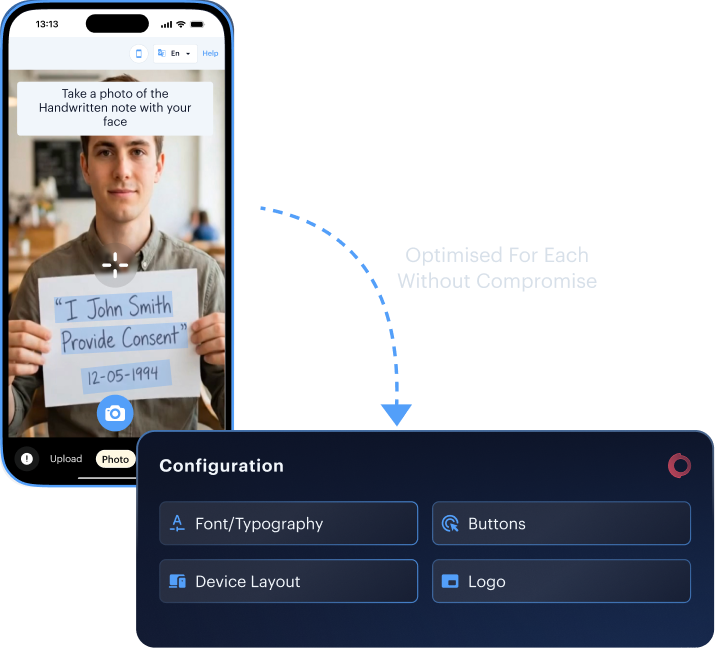
Optimised for Every Screen
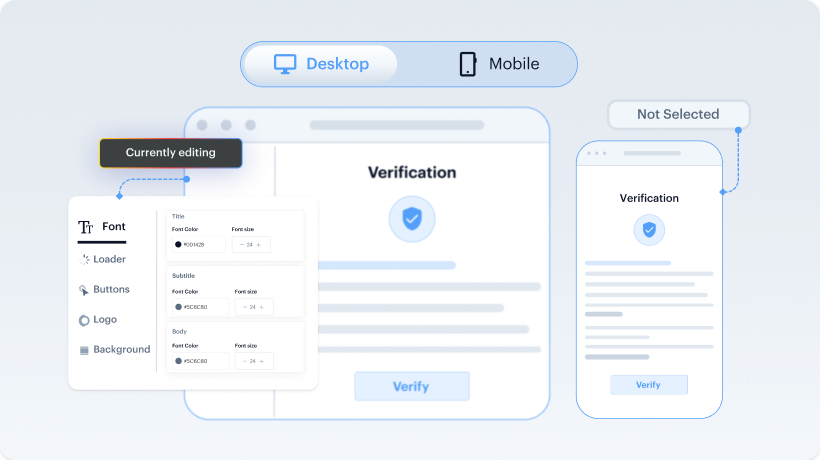
Mobile and desktop experiences are configured independently so layouts, font sizing, and button styling stay optimised for each environment without compromise.
Reports and Verification Screens in Your Brand Palette
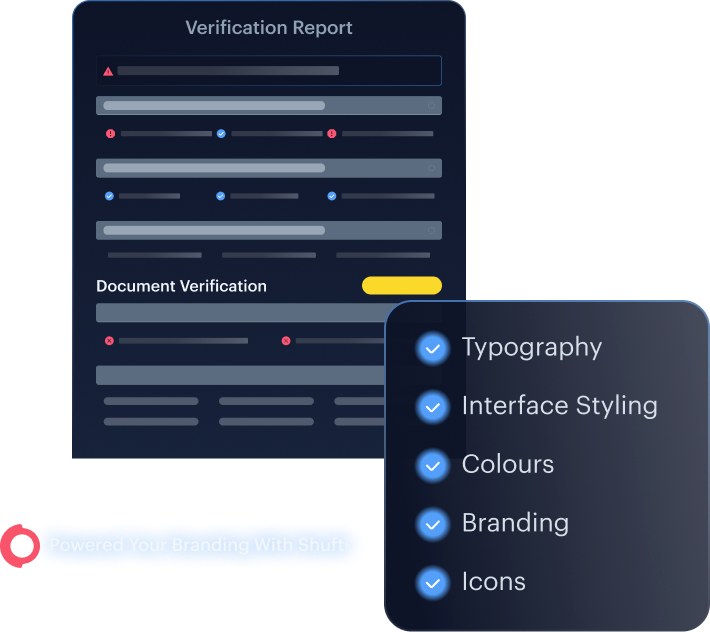
Verification summaries, user-facing flows, and branded outputs follow the same visual identity across colours, typography, and interface styling. The verification experience stays visually connected from onboarding to reporting.
Brand Updates Without Engineering Queues
Brand updates go live from the back office with no code changes required.
The Branding Surface Behind Every Verification Flow

Buttons
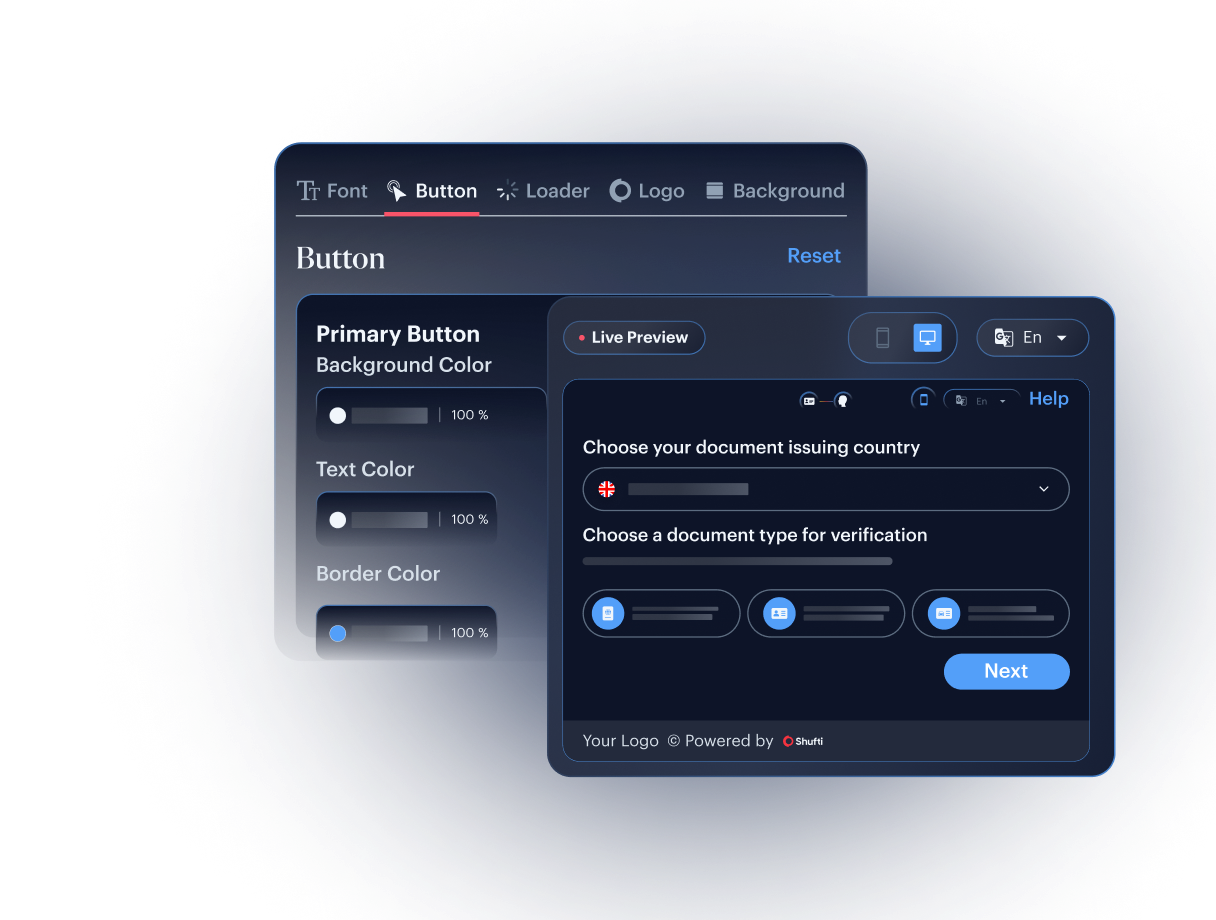
Button colour, border, hover state, and text styling across verification flows.

Loader
Loader colour, text colour, and processing-screen appearance.

Fonts
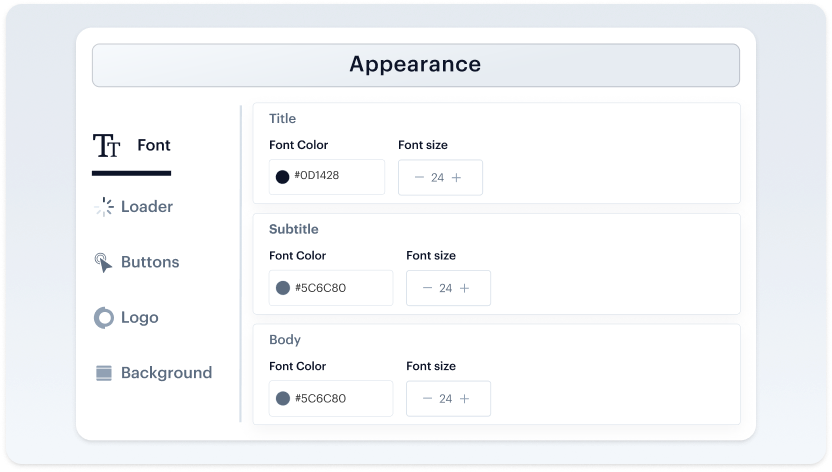
Title, subtitle, instructional, and confirmation typography.

Mobile and Desktop
Independent layouts and sizing for both rendering modes.

Branded Outputs
Reports and verification outputs aligned with your brand palette.
From Brand update to live verification flow
Four Steps. No Engineering Dependency
STEP 01
Configure
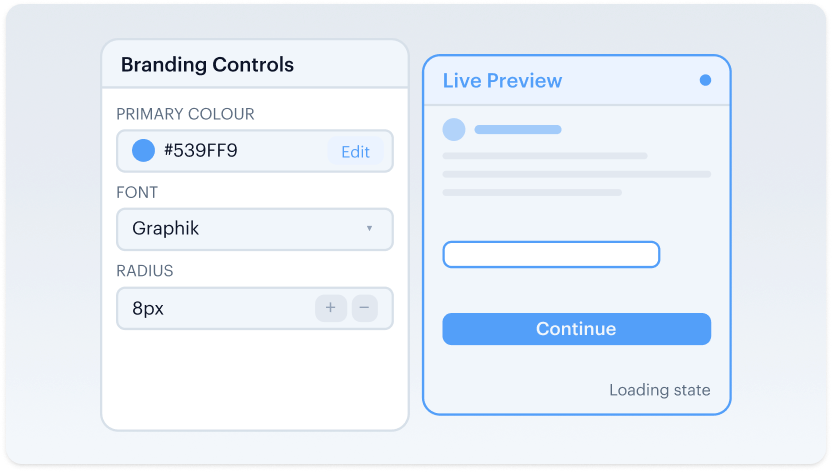
Set colors, fonts, loaders, buttons and layouts from the backoffice.
STEP 02
Optimize
Adjust branding separately for desktop and mobile experiences.
STEP 03
Sync
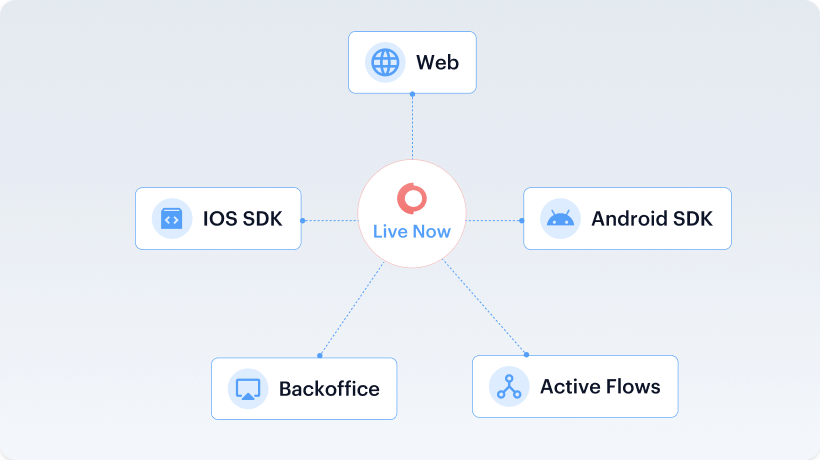
Apply the same theme across iFrame, SDK, and branded outputs.
STEP 04
Go Live
Changes deploy instantly across active verification flows.
Trust, built-in. From first verification to every future interaction
One Platform. Full Identity Lifecycle
User Verification
Onboard and authenticate legitimate users in seconds
Business Onboarding
Perform global KYB and due diligence with confidence
Authentication
Detect and block fraud at every touchpoint
Monitoring & Compliance
Proactively manage risk and maintain regulatory compliance















Trust, built-in. From first verification to every future interaction
One Platform. Full Identity Lifecycle
User Verification
Onboard and authenticate legitimate users in seconds
Business Onboarding
Perform global KYB and due diligence with confidence
Authentication
Detect and block fraud at every touchpoint
monitoring & Compliance
Proactively manage risk and maintain regulatory compliance
User Verification
Onboard and authenticate legitimate users in seconds.

Face Verification
Confirm user identity and prevent spoofing with advanced 3D liveness detection and face verification.


Address Verification
Instantly confirm a user's address from utility bills, bank statements, and other documents against global database.

Document Verification
Instantly verify government-issued identity documents from over 230 countries and territories.

Age Verification
Reliably verify user age to meet regulatory requirements and protect your platform.

VideoIdent
Conduct real-time, agent-led identity verification through live video interviews for high-assurance KYC.

Fast ID
Achieve near-instant identity verification for low-risk users using minimal data points.

eIDV
Confirm user details against trusted government and financial data sources for added confidence.

NFC Verification
Read the secure chip in a passport with a simple phone tap for the highest identity assurance.

Consent Verification
Capture clear proof that your users agree to be verified, building trust and ensuring compliance.
Business Onboarding
Perform global KYB and due diligence with confidence

Business Verification
Automate the verification of business entities by checking data from global corporate registries.

Due Diligence
Streamline your enhanced due diligence process with customizable risk assessment and data collection.

Investor Verification
Securely verify the identity and accreditation status of investors for your platform.

E-Signature
Finalise agreements and sign up new users with secure, legally binding e-signatures.
Authentication
Detect and block fraud at every touchpoint.

Behavioural Biometrics
Silently confirm it’s your user based on their unique interaction patterns.

Device Intelligence
Identify devices in real-time by analysing unique attributes to block fraud.

Multi-Factor Authentication
Add a critical layer of security to user logins and high-risk actions.
monitoring & Compliance
Proactively manage risk and maintain regulatory compliance with continuous user and transaction monitoring.

AML Screening
Screen users and businesses against global sanctions, PEPs, and adverse media watchlists in real-time.

User Risk Assessment
Generate dynamic risk scores for every user based on their profile, behavior, and transaction history.

Transaction Screening
Monitor financial transactions in real-time to detect and block illicit or fraudulent activity.
Built for Regulated Markets
Secure Capture That Meets Your Industry's Standards
Build Authentic Online Communities
Create a safer environment where genuine interactions can flourish. Deploy scalable identity & age verification to stop bots and fake accounts, protect younger users, and build a foundation of trust within your community.

Don’t just take our word for it, hear from our customers
The Confidence Our Clients Share

The future of digital identity is defined by trust, interoperability, and regulatory alignment, so our partnership with Shufti reinforces DevCode Identity’s commitment to supporting our global customers with the most secure, best-in-class, compliant identity verification solutions available today.
Combining our Conversion Driven Compliance Orchestration Platform with Shufti’s global KYC and IDV capabilities allows our customers not only to navigate complex regulatory demands but also to maintain a seamless customer onboarding experience with the highest achievable conversion rates.
We’re proud to continue our partnership with Shufti as we expand into new jurisdictions.
Shufti’s verification technology not only strengthens our compliance framework but also ensures our players enjoy a smooth, secure onboarding experience.
We aim to offer our clients and their traders the very best tools with which to do their jobs, we’re excited to be able to work with Shufti.
They’re a leading company, and we’re looking forward to offering their solutions to our clients through our CRM.
The relationship with Shufti was born out of frustration with an existing provider, so we started our discussion with Shufti.
The response time was excellent, from the start of speaking to sales to getting up and running with the demo.
Industry Recognition & Awards

TOP 10 KYC SOLUTION PROVIDER 2023GRC Outlook

BEST USE OF TECHNOLOGY IN ID VERIFICATIONGlobal brands magazine

FASTEST GROWING KYC SOLUTIONS PROVIDERGlobal brands magazine

TOP PERFORMER IDENTITY VERIFICATION SOFTWARE SUMMER 2023Featured Customers

EXCELLENCE IN IDENTITY VERIFICATION SOLUTIONSGlobal brands magazine
BEST CLIENT ONBOARDING SOLUTION - MEAUltimate Fintech
BEST REGTECH REPORTING SOLUTION - MEAUltimate Fintech
BEST CLIENT ONBOARDING SOLUTION UFAWARDS 2023
understand more
Frequently Asked Questions
Does configuring Brand Personalisation require a code change or a new SDK release?
The five visual elements (button, loader, font, logo, and background) are configured through the Shufti dashboard. Saving applies the changes immediately on iOS, Android, and Web. The engineering team is not in the path.
What button parameters are configurable?
Font colour used in buttons, background colour of the buttons, and border colour of the buttons. Configurable for the verification iframe across the full flow.
What loader parameters are configurable?
Colour of the Shufti loader, font colour of the text used in the loader, and font size of the loader text. Applied to processing screens.
What font parameters are configurable?
Title colour and font size, subtitle colour and font size. Applied across iframe instructional, label, and confirmation copy.
Are mobile and desktop configured together or separately?
Separately. Each view has its own configuration so a font size or button width can be tuned for one mode without compromising the other.
Does the mobile SDK pick up the same brand configuration?
Yes. The mobile SDK theme customisation section sits alongside the iframe panel in the back office. Widget text and background colours sync from the same surface.
Are code changes required for any of this?
No. All branding configuration happens inside the back office. Saving applies the configuration to the iframe and mobile SDK immediately.
Configure Your Verification iFrame From Settings > iframe Design
Control button colours, loaders, fonts, and layout across mobile and desktop from one back office panel, no code changes, with mobile SDK theme synced automatically.