AMLR Solutions
  AMLR Consultation
 EUDI Wallet
 Onboarding
 Ongoing Monitoring
 FRAML
FRAML KYC
KYC KYB
KYB KYI
KYI Age Assurance
 Workforce IAM
 Candidate Verification
 Account Takeover
 Bonus/ Promotion Abuse
 Chargeback Fraud
 Deepfake
 Document Fraud
 Fraud Networks
 Impersonation Fraud
 Money Mule Activity
 Multi-Accounting
 Party Fraud
 Regulatory & Compliance Risks
 Synthetic Identity Fraud
 Adult Content
 Banking
 Crypto
 Fintech
 Forex
Forex Compliance
 Fraud prevention
 Trust & safety
 Global expansion
 Compliance Officers
 Developers
 Fraud Analysts
 Product Managers
 Journey Builder
  Global Trust Platform
 Customer Profiles
 Vendor Comparison
 IDV Case Management
 AML Case Management
 Regulatory Reporting
 Agentic Rule Builder
  AI Compliance Co-Pilot
  Fraud Analytics
 Fraud Hub
  OCR
OCR Shufti AI
 Bank Account Verification
  Biometric Duplication
 Database Checks
 Document Intelligence
 Government ID
 Mobile Driver's License
 NFC
NFC Selfie Liveness
 Brand Personalisation
 Deployment Options
 Identity Methods
 IDV Modes
 Multi-tenancy
 On-Premise IDV
 Secure Capture
 Shufti MCP












TL;DR
- Document verification confirms a document is genuine, not that anyone presented it.
- Downloaded images, screen replays, and print-and-scan copies use real documents.
- A document check answers three separate questions, and most systems score one.
- Independent lab testing covers the biometric path, not the document capture path.
- Ask any vendor which layer catches a screenshot of a genuine passport.
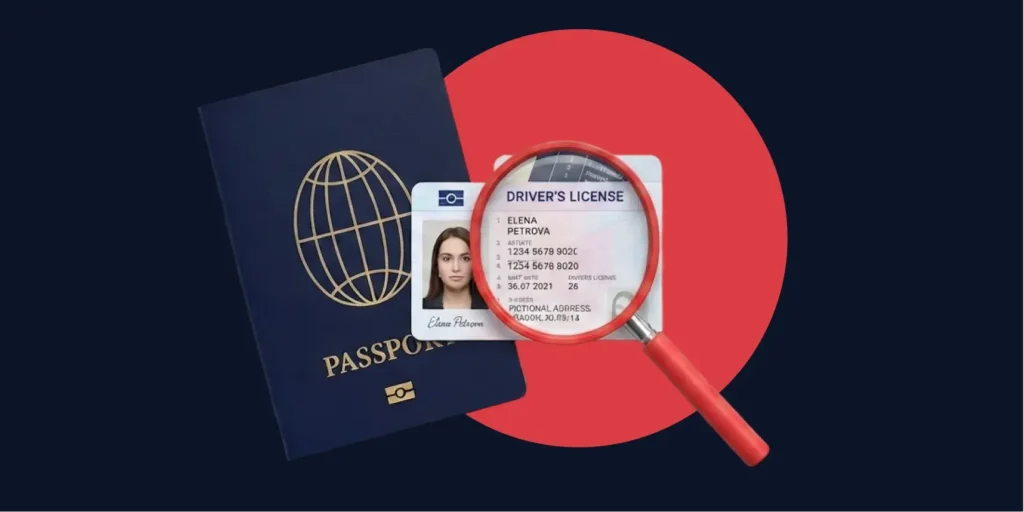
Tom Gadsden, VP of Product at Shufti, describes one of the more effective document attacks he sees in blunt terms. People search the internet for an image of a driving licence, download it, and submit it as their own. The licence in that file is a real licence. Its fonts are right, its layout is right, its security printing is right, because a genuine document was photographed to make it. Every forensic check that’s built to catch a forgery will clear it.
Document fraud in 2026 has an awkward shape. The document is frequently authentic. What is false is the claim that anyone was holding it.
Most guides to document verification treat the document as something that simply arrives and then explain how to inspect it. This one covers the same ground, the types, the process and the checks, but it separates the three questions a document check can answer and shows why the middle one is the question buyers rarely raise.
What is Document Verification?
Document verification is the process of confirming that an identity or supporting document is genuine, unaltered and valid for its stated purpose. A verification reads the data off the document, tests it against the design the issuing authority actually publishes, and looks for signs of tampering.
The document verification meaning that most compliance teams work from is narrower than the one vendors tend to market, and the narrower version is the accurate one: the subject of the check is an artefact. Fonts, layout, security printing, checksums, and the chip, if there is one, are all properties of a piece of plastic or paper, and they are what the check interrogates.
What does Documentation Verification Actually Prove?
Document verification proves whether the submitted document is real or not, but it does not tell you whether the artefact was ever in the room. For example, if a verification engine receives an image and everything it concludes is inferred from pixels that describe a licence held in front of a camera, it will consider it as proof, but it won’t be able to tell if the document was actually present in the room.
Document Authentication Versus Document Verification
The two terms get used as synonyms, but are not quite the same thing. Document authentication asks whether the artefact is genuine. Verification, in the broader identity sense, asks whether the identity described by that artefact belongs to the person in front of you.
The distinction is not academic, because the standards also point at it. NIST’s SP 800-63A-4 identity proofing guidelines, published in July 2025 and superseding the 2017 edition on 1 August 2025, separates the validation of a piece of evidence from the verification that the identity belongs to the applicant.
Validation covers whether the evidence is authentic and whether its core attributes hold up against an authoritative source. Verification covers the link to the human being. A programme that does the first and skips the second only confirms whether a document exists.
Then there’s a third question that neither term captures cleanly, and that third question is this article’s subject.
The Three Questions a Document Check can Answer
| The question | What a pass proves | What it still misses |
| Authenticity. Is the artefact genuine? | The document matches a real issued design and shows no tampering | Whether a genuine document was copied, and who supplied the copy |
| Capture integrity. Was the image captured, or supplied? | The image came from a live camera rather than a file, a screen or a printer | Whether the person holding the document has any right to it |
| Binding. Does it belong to the presenter? | The face in the session matches the portrait on the document | Whether the document was genuine in the first place |
Most document verification systems score the first question thoroughly, the third question when a selfie is part of the flow, and the second question barely at all. The attacks described later in this article live in that gap.
What are the Types of Document Verification?
The term types of document verification covers two different things, and mixing them can lead to confusion. First, it means how the documents are checked. Second, it means which document is being checked. Both are worth knowing, and they answer different questions.
What Gets Checked
Four broad classes of documents come up in onboarding, and they do not carry the same weight as evidence.
- Government-Issued Identity Documents: Passports, national ID cards, driving licences and residence permits. Documents in this group carry machine-readable zones, checksums and physical security features, so they support the deepest checks.
- Financial Documents: Bank statements, payslips and tax returns, used to evidence income or source of funds rather than identity.
- Proof of Address Documents: Utility bills, bank correspondence and government letters, which confirm where somebody lives.
- Business Documents: Certificates of incorporation, shareholder registers and tax identifiers, which feed know your business checks.
How it Gets Checked
The checking itself runs in one of three operating models.
1): Manual review puts a trained person in front of the document, which catches obvious fakes but is slow, expensive, and no defence against a good reproduction.
2): Automated checking is done by software and returns a decision in seconds, which is how almost all online onboarding works.
3): Hybrid checking clears the obvious passes and routes the declines to a person.
Underneath whichever model runs, five document verification checks do the actual work.
- Data Extraction: Optical character recognition reads the fields off the document. Extraction is a prerequisite for everything else and proves nothing by itself, because a forgery scans just as cleanly as a real document.
- Authenticity Checks: The document gets compared against the genuine issued design, with security features, checksums and print quality tested for signs of tampering.
- Capture Checks: Screenshot detection, screen-replay defence and print-and-scan detection ask where the image came from rather than what it shows.
- Face Match: The portrait on the document gets matched against a live selfie, which is what ties the document to a person.
- Chip Reads: NFC verification reads the cryptographically signed chip inside an e-passport or e-ID. Chip reads are the strongest check available, because a signature cannot be reproduced by photographing the printed page.
How does Document Verification Work?
An online document verification flow runs as a sequence of narrowing checks, and a failure at any stage should stop the ones after it. A typical flow moves through capture, extraction, authentication, capture assessment, binding and decision.
Capture and Quality Gating
The user photographs the document or uploads a file. Before anything else runs, the system should assess sharpness, glare, framing and resolution, because a forensic check on a poor image produces an unreliable result rather than a negative one. Good systems reject and re-prompt at this point instead of passing a weak image downstream.
Extraction and Authentication
OCR lifts the fields, then the authenticity layers compare the document against the real issued design and search for manipulation. On a chipped document, an NFC read replaces most of this work with a cryptographic check.
Capture Assessment and Binding
The system classifies how the image arrived, then matches the portrait against a live selfie to tie the document to a person. Face verification with liveness detection is what converts a document check into an identity check.
Decision and Evidence
A decision returns a pass, a fail, or a referral to human review, along with the evidence behind it. What matters at the audit is not the verdict but the record, which should show which layers ran, which passed, and what triggered any flag.
Referral rates deserve as much scrutiny as pass rates. A system that sends a quarter of applicants to manual review has moved the cost rather than removed it, and that queue is where the attacks in the next section tend to succeed, because a clean image of a genuine document gives a tired reviewer almost nothing to challenge.
Importance of Document Verification
The document check sits at the front of everything else, so a wrong answer there does not stay contained. Risk scoring, ongoing monitoring, sanctions screening and transaction limits all get applied to an identity the document check established – if that identity came from a stranger’s driving licence, every downstream control is competently protecting an account that should never have existed.
It is also the control regulators look at first. AML and KYC regimes require identification from reliable, independent evidence, and a document is the usual way firms meet that duty. Examiners tend to probe not whether a check ran, but what it was capable of catching and what the firm chose to accept.
Benefits of Document Verification
A document verification service returns four things worth measuring separately:
- Decides in Seconds: Automated checking removes the review step for the majority of applicants who are exactly who they claim to be, freeing reviewer capacity for cases that need judgement.
- Covers Markets you have no Local Expertise in: No onboarding team recognises a Gulf residence permit or a Vietnamese national ID by eye. A system trained on the issuing designs applies one standard everywhere a business opens.
- Produces a Defensible Record: Each check returns which layers ran and what each one found. The difference between demonstrating a control at examination and asserting one.
- Keeps Losses off the Book: Rejecting a stolen document at onboarding costs one failed session. Catching the same identity six months later costs an investigation, a written-off balance and, in regulated sectors, a reporting obligation.
Four Attacks that use a Completely Genuine Document
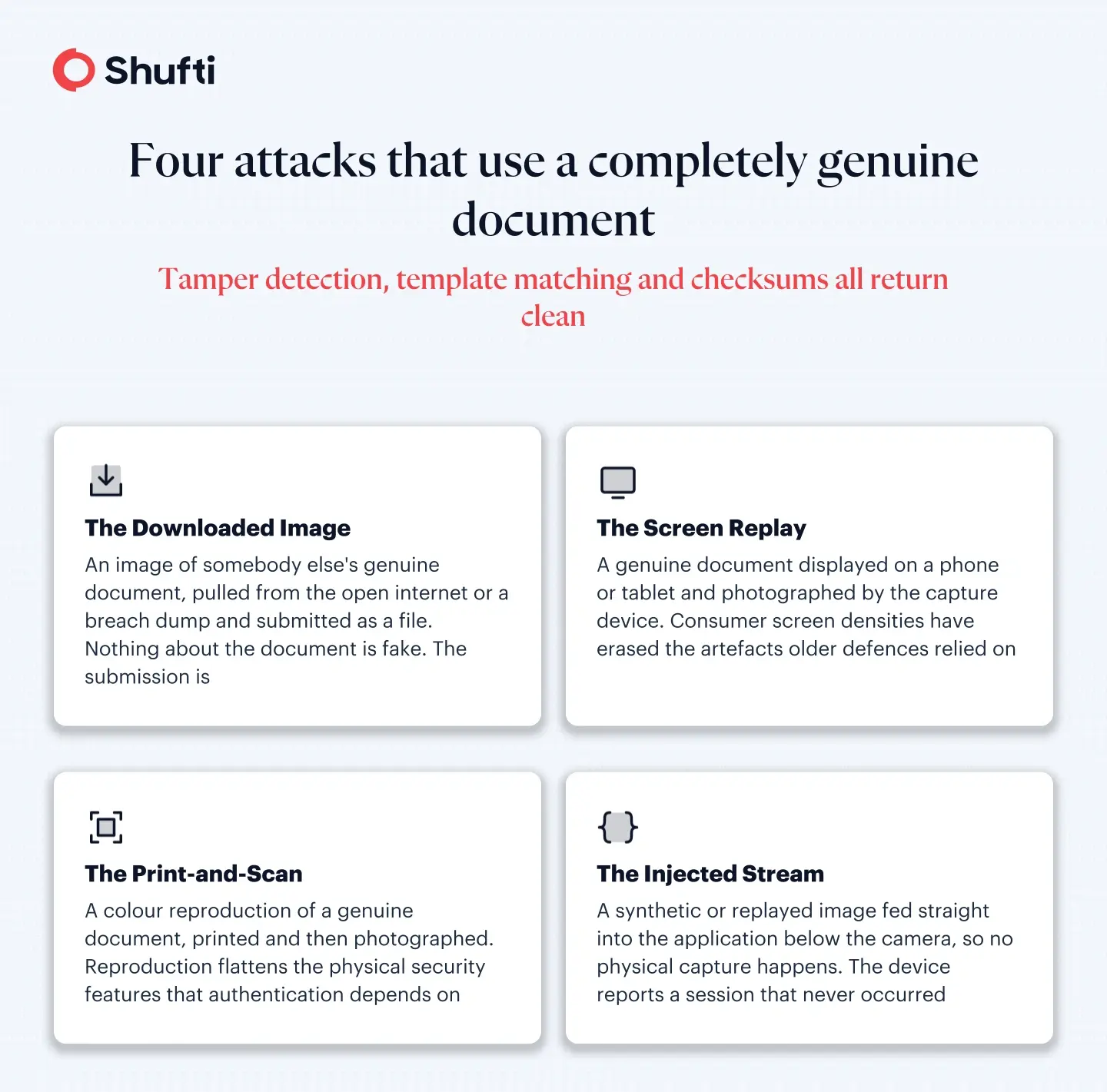
Each of the following attacks defeats authenticity checking by not attacking it. In every case, the underlying document is real, so tamper detection, template matching, and checksum validation all return clean results.
- The Downloaded Image: An image of somebody else’s genuine document, pulled from the open internet or a breach dump, submitted as a file. Nothing about the document is fake. The submission is.
- The Screen Replay: A genuine document displayed on a phone or tablet and photographed by the capture device. Gadsden’s observation is that high-resolution screens have made this materially harder to catch than it once was, because the artefacts older defences relied on are no longer visible at consumer screen densities.
- The Print-and-Scan: A colour reproduction of a genuine document, printed and then photographed or scanned. Reproduction flattens the physical security features that authentication depends on, so a system that scores mainly on layout and data will often let it through.
- The Injected Stream: A synthetic or replayed image fed directly into the application below the camera, so no physical capture happens at all. The capture device reports a session that never occurred.
None of these attacks demands much skill, which is what makes the family awkward. A downloaded image costs nothing and a screen replay needs one spare device.
Why the Independent Evidence Stops at the Face
Buyers who want proof rather than promises usually ask a vendor for independent lab results, and the two test regimes they are pointed to are both written for biometrics.
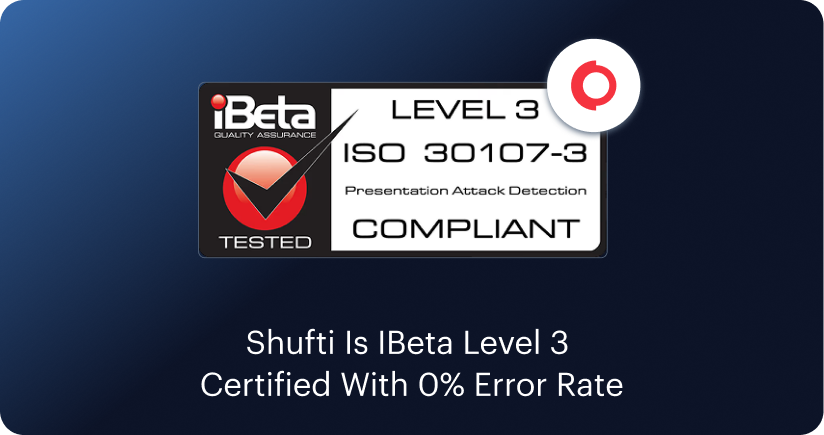
ISO/IEC 30107-3:2023 governs presentation attack detection, the discipline of catching a photograph, mask, or replay held up to a sensor. Its published scope is explicit that the attacks it considers take place at the biometric capture device during presentation, and that any other attack sits outside the document.
The newer CEN/TS 18099:2024, approved by CEN in October 2024 for provisional application, covers biometric data injection attacks and explicitly excludes presentation-attack testing as already handled by the ISO/IEC 30107 series. Its own introduction notes that no equivalent standard for injection attacks previously existed.
Both are valuable, and neither says anything about a document image. A vendor can hold a dated conformance letter for its liveness engine and have no independent evidence at all about whether it can tell a live document capture from a file upload. That asymmetry matters because it shapes procurement. Teams request the evidence that exists, then assume the parts with no published evidence were tested to the same standard.
Three questions get useful answers out of that gap. Ask which independent laboratory tested a capability, against which published standard, and on what date, because a capability with no published answer has been assumed rather than verified. Ask about the document path and the biometric path separately, since a strong result on one says nothing about the other. Then ask what the system does when it cannot tell, because the honest failure mode is a referral rather than a quiet pass.
Until a comparable regime covers the document path, the practical substitute is a direct question. Ask a vendor to demonstrate, on your own samples, what happens when a genuine passport is submitted as a screenshot.
What to Look for in a Document Verification System
A document verification solution earns its place by answering all three questions rather than one of them well. Six criteria separate the field.
- Submission-Type Classification: Can the system tell a live camera capture from a file upload or a screen grab, and can you set a different policy for each? Submission-type policy is the capability most closely tied to the attacks above.
- Forensic Depth Beyond Template Matching: Template comparison catches yesterday’s forgeries. Generative forgeries need frequency-domain and pixel-level analysis to surface artefacts the eye cannot see.
- Global Document Verification Coverage: Coverage counts are easy to publish and hard to interpret. The question worth asking is how the system performs on the specific issuing countries and scripts your customers actually come from, which is a narrower and more useful test than a headline number. Two vendors quoting similar totals can behave very differently on a Vietnamese national ID or a Gulf residence permit, because a document type counts as supported whether it was trained natively or bolted on afterwards. Test the markets that matter to you rather than the total.
- Reuse and Cross-Session Signals: A document that has appeared before, on a different account, is a strong fraud signal that single-session checks cannot see.
- Chip Support Where it Exists: NFC reading turns authentication from an inference into a cryptographic verification, and it is available on a growing share of documents.
- Evidence Output: Every decision should return which layers ran and what each returned, because a verdict without a record is difficult to defend at examination.
Setting Capture Policy Deliberately Rather Than by Default
Verification platforms, Shufti’s included, let you choose how a document arrives. You can require a live camera capture, allow a file upload, or accept both. These methods help completion rates, because some users can’t manage a live capture, but they also open the door to every attack described above. The right setting depends on what the account is worth to an attacker. A low-value marketplace signup, or a check that only confirms a name spelling, doesn’t need the full apparatus, and forcing live capture there costs you sign-ups for very little gain. Regulated onboarding and high-value accounts are different. There, allowing uploads means accepting that some submissions will pass when they shouldn’t.
The mistake isn’t picking the wrong setting; it’s never picking one, then finding out months later during an investigation what your integration defaulted to. Set capture rules by risk level, write down why each one sits where it does, and the three-question framework becomes a way to match the depth of the check to what’s at stake, rather than an argument for putting every layer on every flow.
How Shufti Handles Document Capture Integrity
If your verification stack scores authenticity thoroughly and never asks where the image came from, a genuine document submitted as a screenshot is close to invisible. The forensic layers all clear it, because the document really is genuine.
Shufti’s document verification pipeline treats that as a distinct problem. Its capture-resilience layer checks sharpness, lighting, glare and framing before verification runs, then classifies whether the submission was a live capture, a file upload or a screen grab, so a policy can be enforced against the submission type rather than the document alone. Screen recapture and replay defence sits alongside it, catching documents photographed from screens, printed copies and projected reproductions through moiré pattern analysis, reflection detection and edge frequency analysis. The result is that the question of provenance gets an answer, and that answer is recorded with the decision.
Frequently Asked Questions
What is a Verification Document?
A verification document is any record used as evidence of an identity or attribute claim. The most common are government-issued IDs such as passports, national ID cards and driving licences, supported by financial records, proof-of-address documents and business registration papers.
How do I Verify my Documents?
As an individual, you submit the document through the service that asked for it, usually by photographing it in the provider's app or web flow. Capture the whole document in good light without glare, and expect a selfie request so the portrait can be matched to you.
How do you Verify Documents Online?
An online check reads the document data, tests the document against the genuine issued design, assesses whether the image was captured live or supplied as a file, and matches the portrait against a live selfie. Modern platforms complete this in seconds and return an evidence record.
What Happens if a Document Fails Verification?
A failure usually routes to one of three outcomes. Poor image quality triggers a re-submission prompt, an ambiguous result goes to human review, and a confirmed fraud signal declines the application. Regulated firms may also have internal reporting obligations once fraud is established.
Is Document Verification Legally Required?
In regulated sectors, effectively yes. AML and KYC regimes require firms to verify customer identity using reliable, independent evidence, and a document check is the most common way to do that. The specific documents and methods accepted vary by jurisdiction and by the risk attached to the customer.